The State of iOS Music Player Apps (Foobar2000 Best Fundamentals, VLC Probably Best Outlook, Maybe Buy Anywhere - Offline Music Player For Visualizers + Last.fm Scrobbling)
Back in Q4 last year when it came out that Spotify were running recruitment ads for ICE, I tried really hard to find the ideal music player on iOS so I could just put the relatively few songs I actually listen to a lot on there. I basically wanted to relive the old Apple music player from my iPod Touch 4th Generation (a really, really good player), but with the freedom to easily move files on and off my iPhone.
There is unfortunately no such app to be had for any amount of money. Even taking Cover Flow completely off the table. There are three very good players though, and only one costs money.
Foobar2000 ($0)
I think the cross-platform Foobar2000 is fundamentally the best music player on iOS - in addition to handling virtually any audio format, it has audio normalization using ReplayGain. Basically what this does is it calculates a universal audio level at which all your tracks be played back (every part of a track will be boosted or softened by the same amount, uniformly - not to be confused with making the soft parts relatively louder and the loud parts relatively softer). ReplayGain uses a field from a file's metadata to tell a player how much of an adjustment to make, so the actual audio does not need to be modified. Even better, Foobar2000 has a ReplayGain scanner built-in so you can do everything on your phone.
Foobar2000 has a bunch of advanced playback settings, the most prominent of which are very customizable gapless playback (called "Skip Silence"), crossfade, and equalizer - although, the equalizer is fairly spartan (as is the app in general) and doesn't come with presets.
Apart from being able to transfer files through iTunes, Foobar2000 can create an FTP server (much easier than it sounds - one step, two taps), letting you use a file explorer such as KDE Dolphin on Linux or Windows Explorer to visit the address generated like you would visit any folder on your computer. You can then easily drag and drop your music files between devices. Foobar2000 is also able to read files from another directory on your phone, allowing you to include them in your library without having to copy them into Foobar2000.
The one fairly basic thing Foobar2000 doesn't have is a queue. You can see the next song coming up but that's it. No history either, apart from being able to keep hitting the back button. There's also no CarPlay app, but you can of course play your Foobar library through your vehicle's generic player.
Foobar2000 is what I'm using nowadays I was using when I tried to kick scrobbling (see below). It does what it does do very well, and purportedly doesn't collect any data.
VLC ($0, Free/Open-source)
Cross-platform, infinitely compatible, privacy-respecting VLC is free free, both in the sense that you never have to pay money to the purveyors for any part of it and also in the sense that you can legally modify and redistribute it as you like. It has most of the essential player features you'd expect coming from, say, Spotify - a queue/recent history, equalizer with presets. It also does CarPlay and has a sleep timer, and doubles as a video player [this is incidentally the best standalone video player on iOS, as of when I did this post's premise but for video players two or three years ago - I prefer Jellyfin but it needs a server. OPlayer Lite has partial PiP support, which is forthcoming in VLC, and was clear runner-up at the time but I now notice they collect a substantial amount of data for Google advertising].
Similarly to Foobar2000, you can turn on an https server (one step) and use a browser to visit the address shown and easily upload/download files wirelessly, or transfer through iTunes. VLC has the additional advantage of being able to play a file from the Files app without copying it into VLC's library.
The iOS version of VLC unfortunately has fewer features than its desktop and (apparently) android counterparts. There doesn't seem to be any reference to audio normalization in the code, or gapless playback or crossfade.
I say this is probably the music player with the best outlook on iOS because while it is free/open-source and in relatively active development, it hasn't historically been super stable, and there are enormous barriers to iOS development and open-source iOS development in particular (not least of which is having to buy Apple products. There's also a significant publishing fee). When I tried it last winter, CarPlay would crash after a bit, but there have been several non-specific stability updates since.
Anywhere (Freemium, $25 lifetime license or various subscriptions)
OK, but I really wanted a visualizer of some sort and they are not easy to come by. Anywhere delivers with three different types of spectrum analyzer, plus a waveform analyzer progress bar (optional) and several distinctive skins.
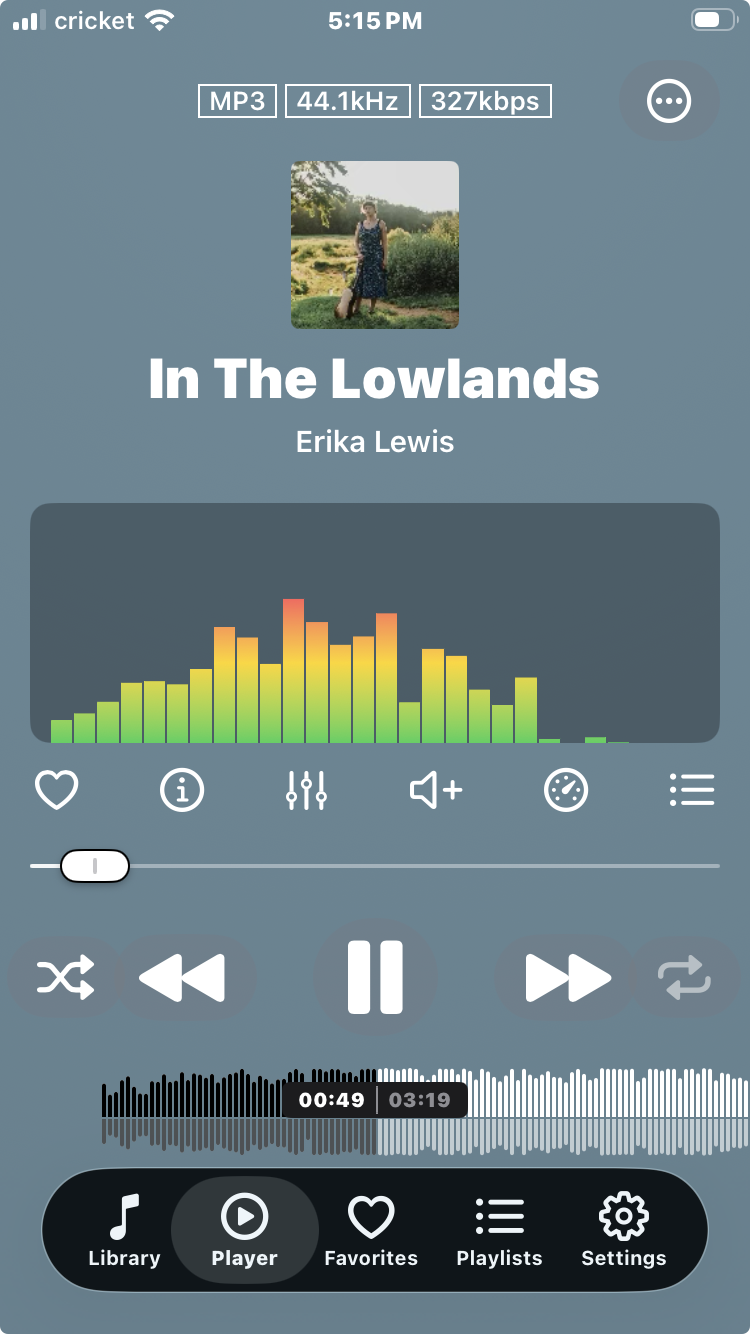
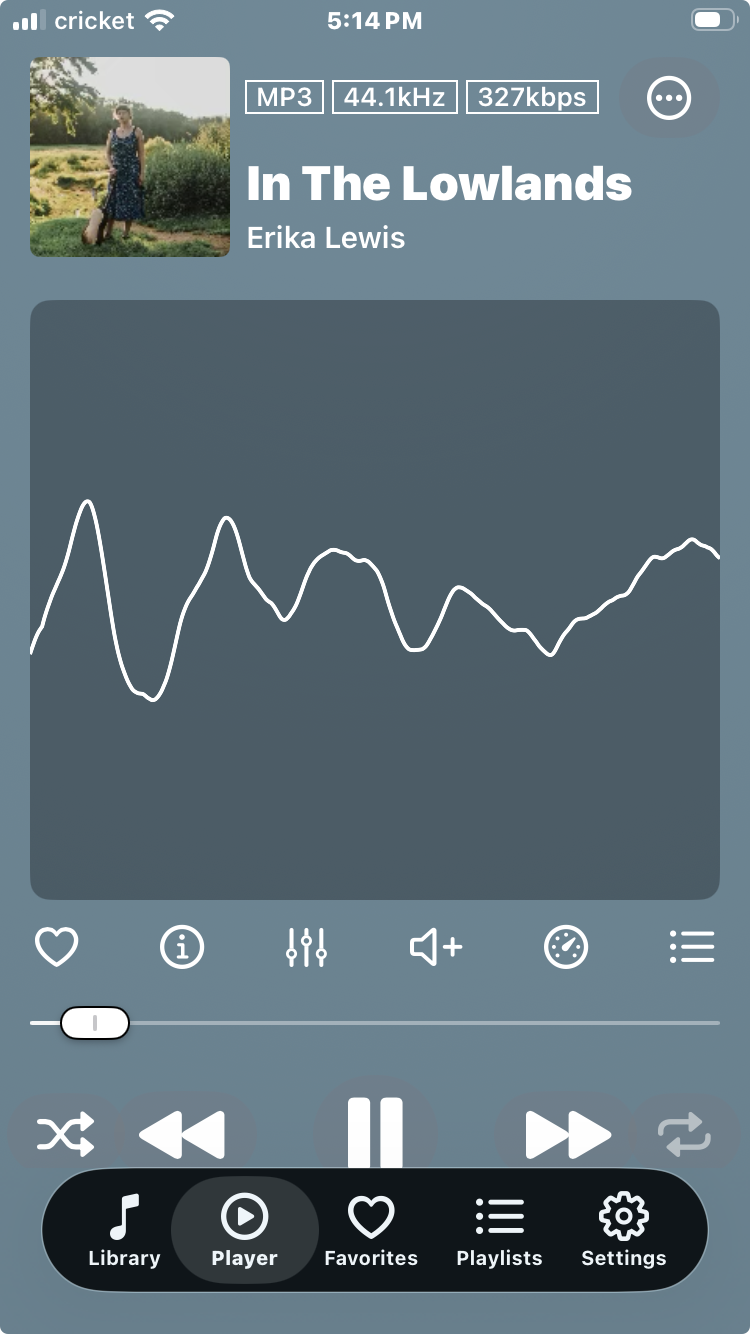
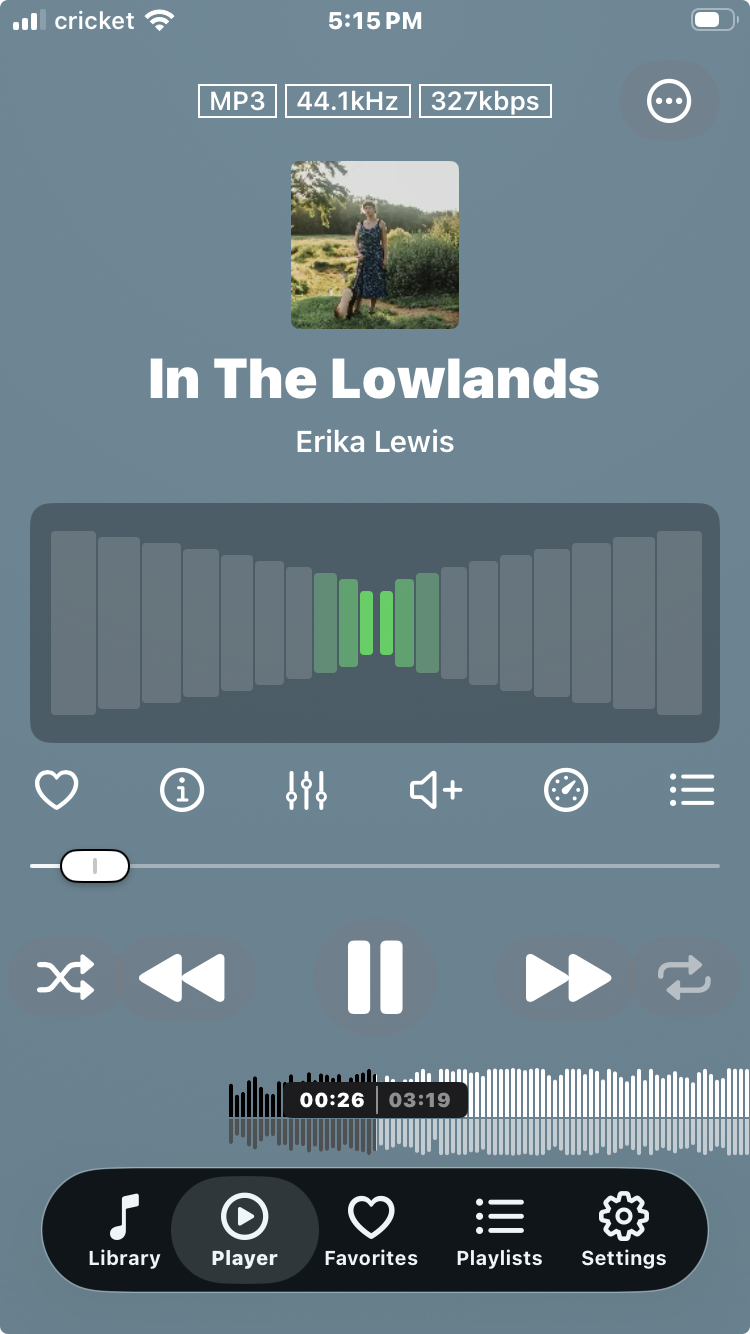
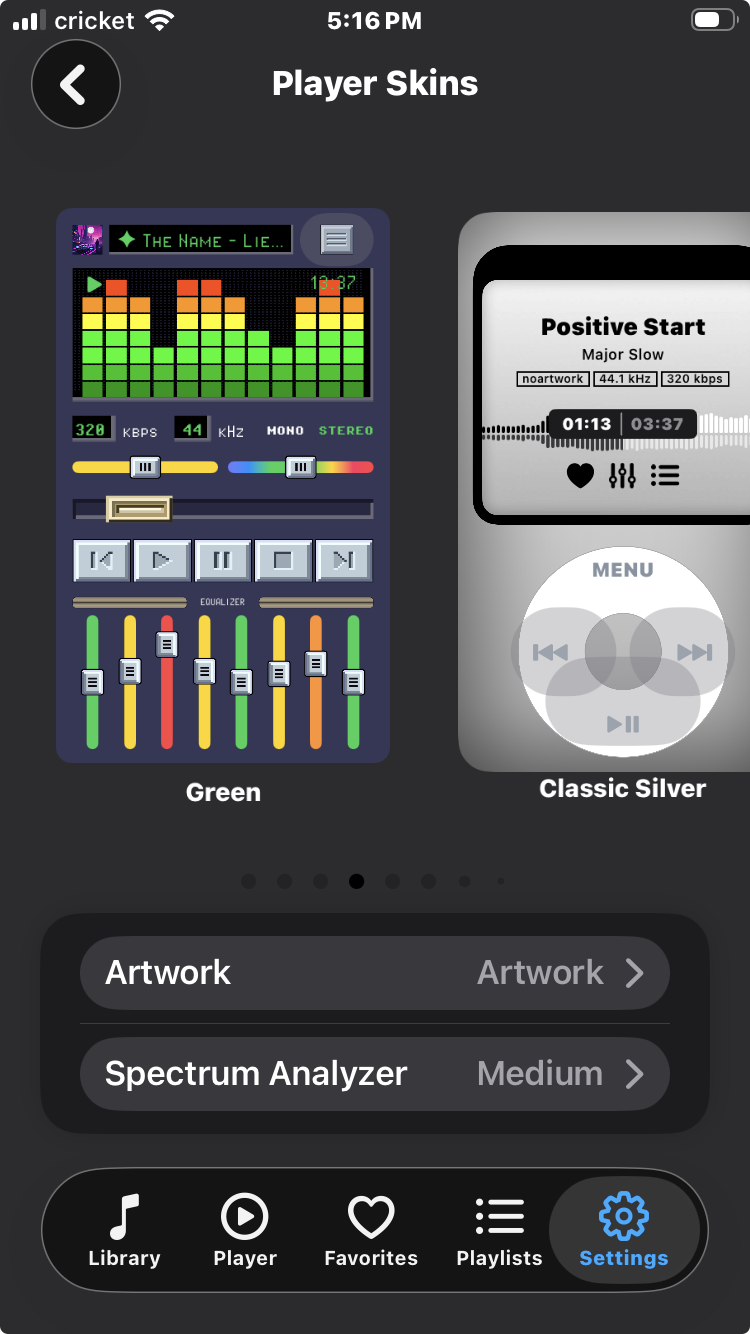
Anywhere is the most full-featured music player on iOS. It feels very informed by streaming service players (laudatory) and does pretty much everything Foobar2000 and VLC do, except for audio normalization/ReplayGain and iTunes file transfer (you can use an http server easily like with VLC, connect a variety of cloud services, or import from another app/directory - though in the last case Anywhere will have to make a copy of the files). It is also in very active development, and for example just recently got Last.fm scrobbling (but unfortunately I've since found out Last.fm is owned by Paramount Skydance..[update: as of 5/27/28 Last.fm is apparently independent again and we are so back.]).
I bought a lifetime license at a slight discount, I think like $23. Notably, the privacy policy presents Anywhere as a service [note also that Google Firebase error logging purportedly may log your IP address among other things] and access to the full app also sells for $2.99 a month, $14.99 per year, or on a couple of semi-annual bases.
Although this is undoubtedly the best iOS music player money can buy, I probably wouldn't have been inclined to pay for a player except that the developer is Ukrainian and has to make a living during the ongoing invasion - I highly recommend trying out the app for free and buying/subscribing if you like it. I'm not an affiliate or anything, it's just that the combination of it's a fantastic app - arguably the best music player app of these three and therefor all, all things considered - and proceeds aid Ukraine was really compelling. I honestly have gone back to Foobar2000 because I ultimately need audio normalization [can't live without Last.fm, even taking it] over the awesome visualizers and excellent CarPlay app, but Anywhere has so much going for it.